
Quick Answer
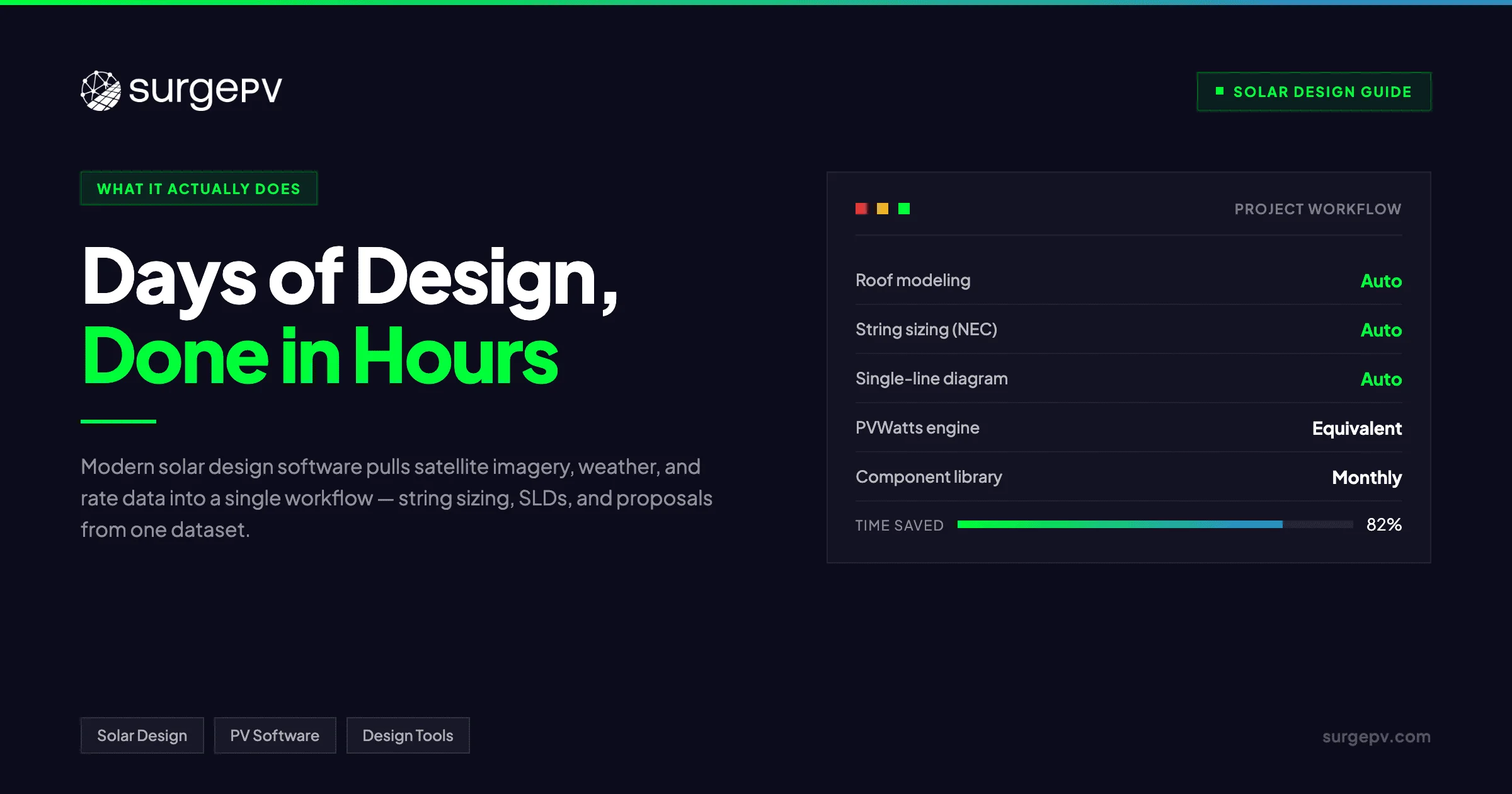
Solar design software turns a process that used to take days into one that takes hours. Modern platforms model roof geometry, simulate shading and yield, generate NEC-compliant electrical diagrams, and produce permit-ready proposals from a single dataset. The best tools update component libraries monthly, integrate with CRMs, and reduce design time by 60-80% versus manual workflows.
Solar design software turns a process that used to take days into one that takes hours. Engineers and installers use these tools to model array layouts, calculate energy production, simulate shading losses, and generate permit-ready documentation from a single dataset. The best platforms pull in satellite imagery, local weather data, and utility rate structures so you can present a realistic ROI to customers without bouncing between five different applications.
Solar design software turns a process that used to take days into one that takes hours. Modern platforms model roof geometry, simulate shading and yield, generate NEC-compliant electrical diagrams, and produce permit-ready proposals from a single dataset.
Why design software became table stakes
The shift from manual design to software-led design happened faster in solar than in most construction trades. A residential rooftop array that took a senior designer 4-6 hours in AutoCAD plus spreadsheets now finishes in 20-30 minutes. A 500 kWp commercial project that used to consume two engineers for a week now ships in a single day. That compression matters because customer expectations compressed at the same time — homeowners and commercial buyers shop three to five solar proposal software generated quotes in parallel, and the slowest installer loses the deal.
The competitive pressure is structural, not cyclical. Companies still designing by hand are not just slower; they produce less accurate yield models, miss permit-readiness checks, and burn engineering hours on revisions that better-equipped competitors avoid entirely.
Core capabilities of modern solar design software
Five capabilities define a professional-grade design platform in 2026:
- 3D site modeling from satellite or LiDAR. Auto-trace the roof outline, detect obstructions (chimneys, vents, skylights), and snap panel layouts to the available area with the right setbacks.
- Hour-by-hour yield simulation. Use a validated engine (PVWatts, PVSyst-equivalent, or SAM) to model 8,760 hours of production with temperature, soiling, and inverter clipping losses applied correctly.
- String sizing and electrical design. Auto-size strings against inverter MPPT voltage windows, apply NEC 690.7 cold-temperature corrections, and generate compliant single-line diagrams without manual redrawing.
- Financial modeling. Calculate 25-year net present value, internal rate of return, and payback period using local utility tariffs, available solar incentives, and chosen financing terms.
- One-click proposal generation. Output a customer-ready document with the site image, yield numbers, financial summary, and a clear call to action — in your brand colors. Also see: European Solar Tax Credits.
The platforms that bundle all five well are rare. Most legacy tools handle two or three competently and force you to import/export to other systems for the rest. That’s where the real time waste hides — not in the design itself but in the hand-offs between tools.
What separates a reliable platform from a flashy one
Accuracy matters more than flashy 3D renders. A reliable program uses PVWatts or SAM-equivalent engine calculations, accounts for temperature coefficients, and adjusts for module mismatch and wiring losses at the string level. Look for tools that auto-populate electrical single-line diagrams, produce NEC-compliant string sizing, and export to AutoCAD or PDF without manual redrawing.
If the software doesn’t update its component library monthly with current panel and inverter specs, your designs will lag behind what’s actually available to procure. The component library is also where most subtle accuracy bugs hide — outdated temperature coefficients, missing inverter MPPT curves, or wrong module degradation rates produce designs that look correct on paper but underperform once installed.
The other telltale: how the platform handles shading. A tool that uses only annual irradiance loss percentages will miss the cases where morning shading drops a single string’s yield 15-20% even though the annual number looks fine. Look for hour-by-hour shadow analysis integrated into the same project file, not as a separate module.
Choosing the right tool for your team size and project mix
The right choice depends on your team size and project type. Residential-focused crews need fast roof modeling and quick proposal generation, while commercial teams require terrain analysis, bifacial gain modeling, and detailed financial structuring. For more on this topic, see Bifacial Solar Panel Design Guide.
For a team of 1-3 designers handling 5-15 residential projects per week, prioritize speed, integration with your CRM, and a proposal output that closes deals. The tool’s commercial features are a bonus; you’ll rarely use them.
For a team of 5-15 designers handling a mix of residential and small commercial, look for a platform that flexes between project types without forcing a workflow switch. The cost-per-user usually rises, but the consolidation pays for itself by removing tool-switching overhead.
For commercial-focused EPCs handling 100 kWp+ projects, the criteria flip. Speed matters less than depth — accurate terrain modeling, fault-current calculations, reactive power compensation modeling, and AHJ-specific permit packages become essential. Most residential-first platforms can’t deliver these without significant manual work.
Most reputable platforms offer tiered pricing, but the real cost is the hours saved on revisions and the jobs won through faster, more professional quotes.
Workflow integration: where most installers lose time
Design software that sits isolated from your sales process creates more friction than it removes. The full installer workflow looks like this:
- Lead arrives from website form or referral.
- Sales rep qualifies and schedules a site visit (virtual or on-site).
- Designer pulls satellite imagery and builds a preliminary layout.
- Proposal generates with pricing, financing, and yield estimate.
- Customer signs.
- Engineering finalizes design for permit submission.
- Procurement orders panels, inverters, racking, and BOS items.
- Install team receives the design package.
A tool that integrates with steps 1-2 (CRM), 4-5 (e-signature), and 7-8 (procurement and field) eliminates the manual data re-entry that consumes 30-40% of typical back-office hours. A tool that handles only step 3 (the design itself) saves design time but leaves the rest of the friction intact. When evaluating platforms, ask how many other tools you’ll still need to keep running. The fewer, the better.
When it’s time to switch design tools
Three signals say you’ve outgrown your current platform:
- Component library lag. If your designers can’t find the panels or inverters they actually want to install, the platform isn’t keeping pace with the market.
- Manual re-entry to your CRM or proposal tool. If the design output requires copy-pasting into the next system, integration debt is silently eating margin.
- Customers asking questions your tool can’t answer. “What’s my self-consumption rate at 70% load?” “How does this look with a battery?” “What if my utility raises rates 5% per year?” Modern customers expect granular scenario modeling. Tools that can’t deliver lose deals to competitors that can.
Most teams stay on a deficient platform 12-18 months longer than they should because switching feels expensive. The migration cost is real but is usually recovered in 60-90 days of saved design and re-keying time on the new system.
Start with a tool that integrates with your CRM and ordering workflow, because design software that sits isolated from your sales process creates more friction than it removes.
Frequently Asked Questions
What does solar design software actually do?
It pulls satellite imagery and weather data, models the roof or ground site in 3D, simulates shading and energy yield hour-by-hour for a full year, sizes the PV array against the inverter and string limits, generates the single-line electrical diagram, and packages everything into a permit-ready proposal. The best tools accomplish all this from a single project file rather than five disconnected applications.
How much faster is solar design software versus manual design?
A typical residential design that takes 4-6 hours in AutoCAD plus spreadsheets can be completed in 20-30 minutes with modern solar design software. Commercial projects that historically required 2-3 days of engineering time often finish in 4-6 hours. The biggest time savings come from automated string sizing, pre-loaded module catalogs, and one-click proposal generation. See How to Design Residential Solar System for detailed guidance.
What’s the difference between solar design software and solar proposal software?
Solar design software focuses on the technical engineering — array layout, shade analysis, energy yield, electrical schematics. Solar proposal software focuses on the customer-facing artifact — pricing, financing options, environmental impact summaries. Most modern platforms combine both, but legacy tools still split these into separate products that require manual hand-off.
Do I need different software for residential and commercial solar?
Not necessarily, but the requirements diverge sharply. Residential workflows prioritize fast roof modeling, attractive customer-facing proposals, and integration with CRMs and lead-management tools. Commercial workflows need ground-mount terrain analysis, single-line diagrams for AHJ submission, NEC 690 string sizing for higher-voltage systems, and detailed 25-year financial models. Platforms that handle both well typically charge more per user.
How important is the component library in solar design software?
Critical. The component library — PV modules, inverters, optimizers, batteries — is what your simulations are based on. If the library hasn’t been updated in 12 months, your designs will reference panels and inverters that are no longer in production. Look for platforms that update their library monthly and let you add custom components when needed.
What integrations should I look for when selecting solar design software?
CRM integration first — the design tool should pull leads directly from HubSpot, Salesforce, or your sales CRM and push completed proposals back. Procurement integration second — designs should output BOMs that match your supplier catalogs. E-signature integration third — proposals should flow into DocuSign or PandaDoc without manual export. Without these integrations, the time saved on design gets eaten by manual data shuffling. Solar design software automates design and compliance.